
Swipe up or down — or tap All videos to choose
Swipe, use arrows, or choose a video from the list
Tap to dismiss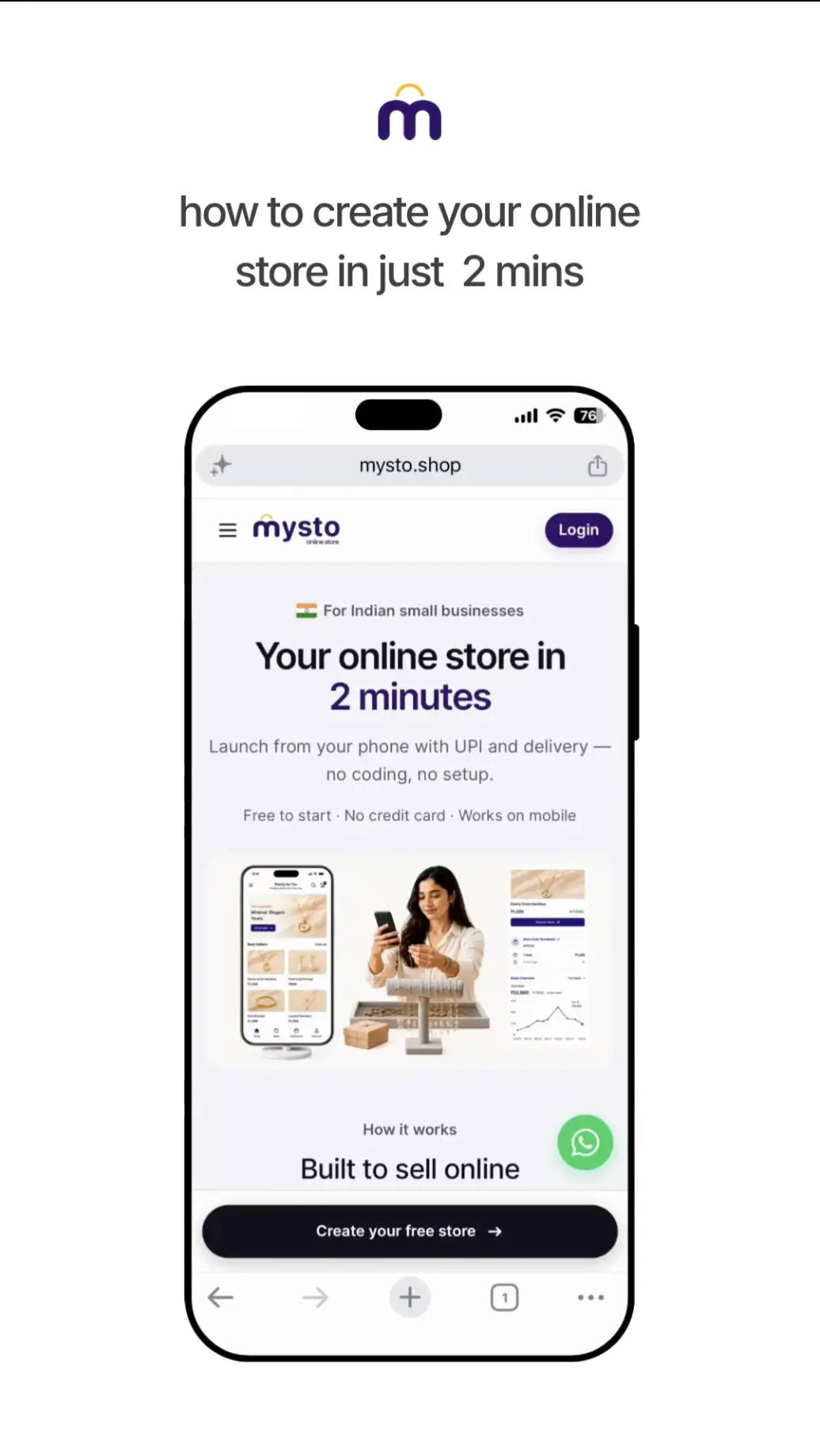
How to create your online store in 2 mins
Set up your Mysto storefront from scratch — name, theme, and go live.
2 min
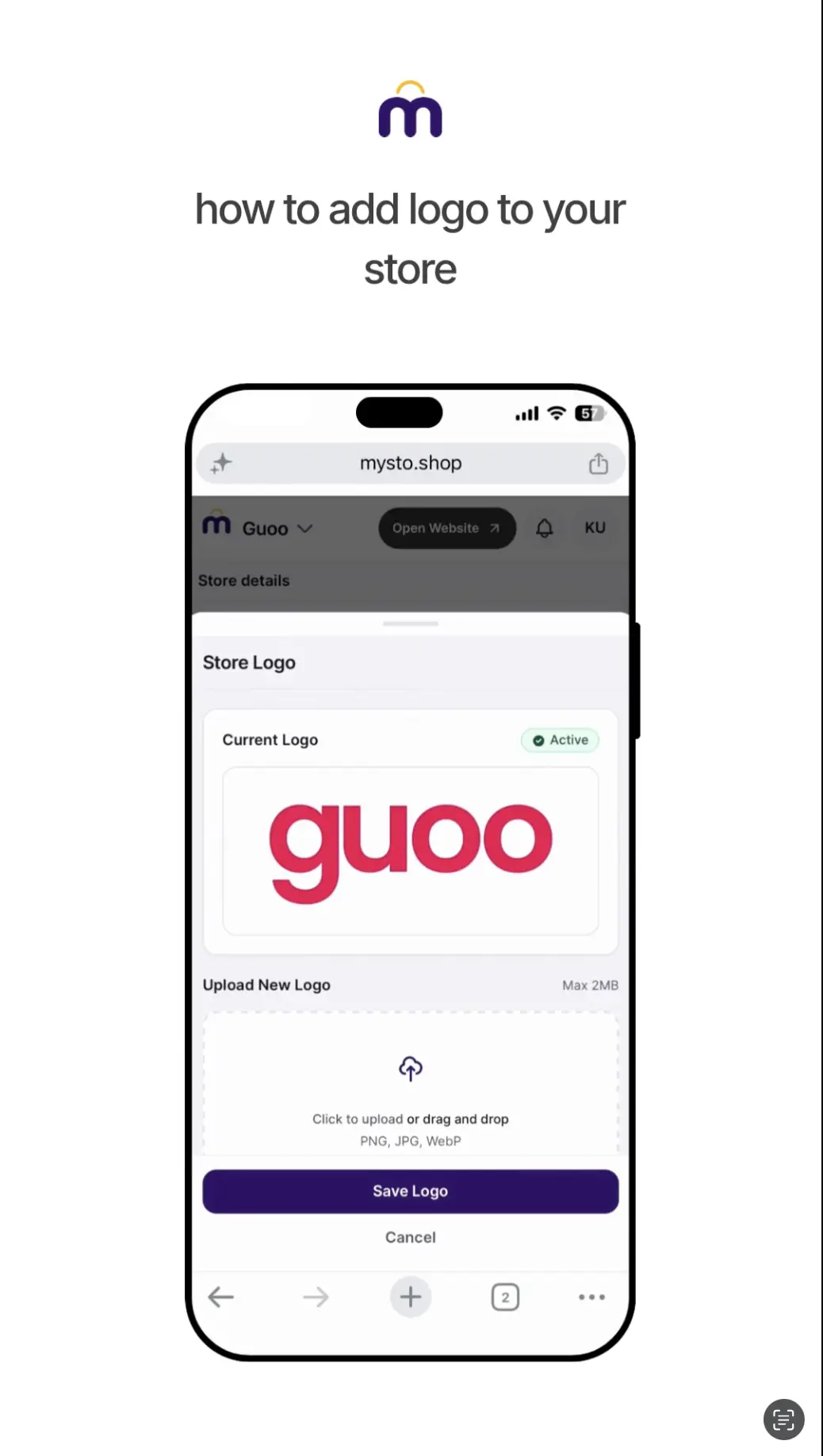
How to add logo to your store
Upload your brand logo so your storefront looks professional from day one.
2 min
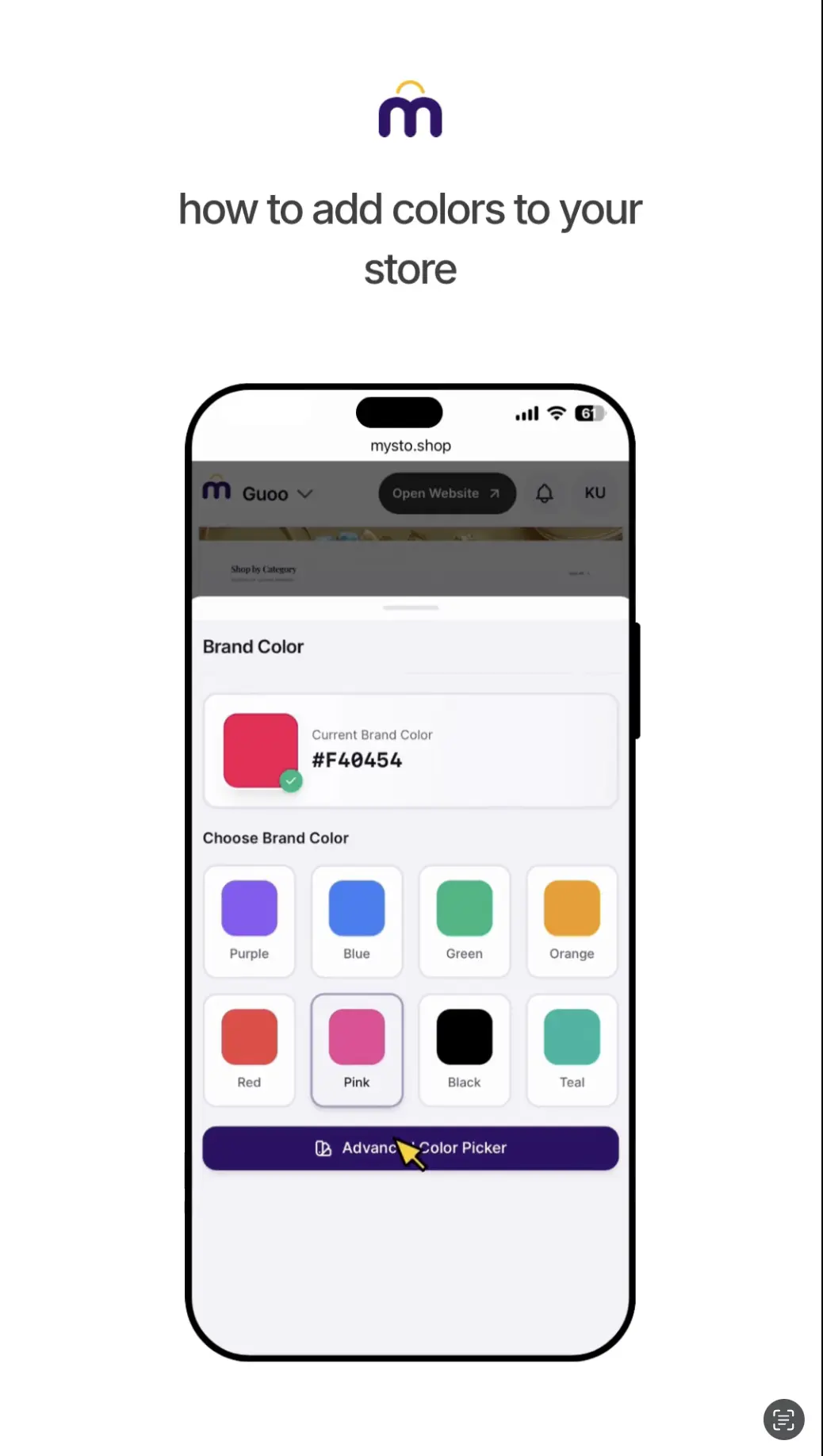
How to add colors to your store
Pick brand colors that match your style across buttons, accents, and theme.
2 min
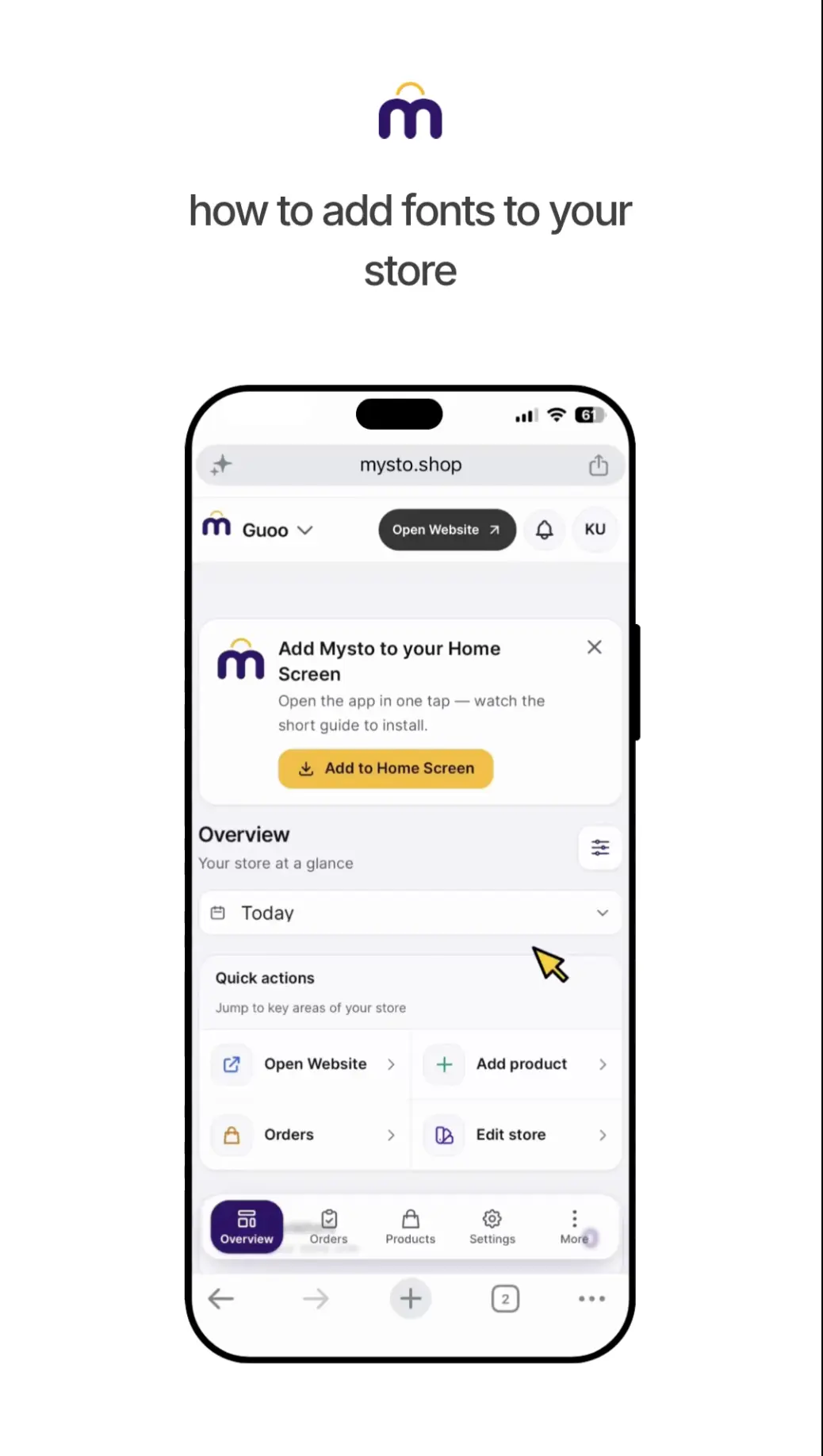
How to add fonts to your store
Choose typography for headings and body text to match your brand voice.
2 min
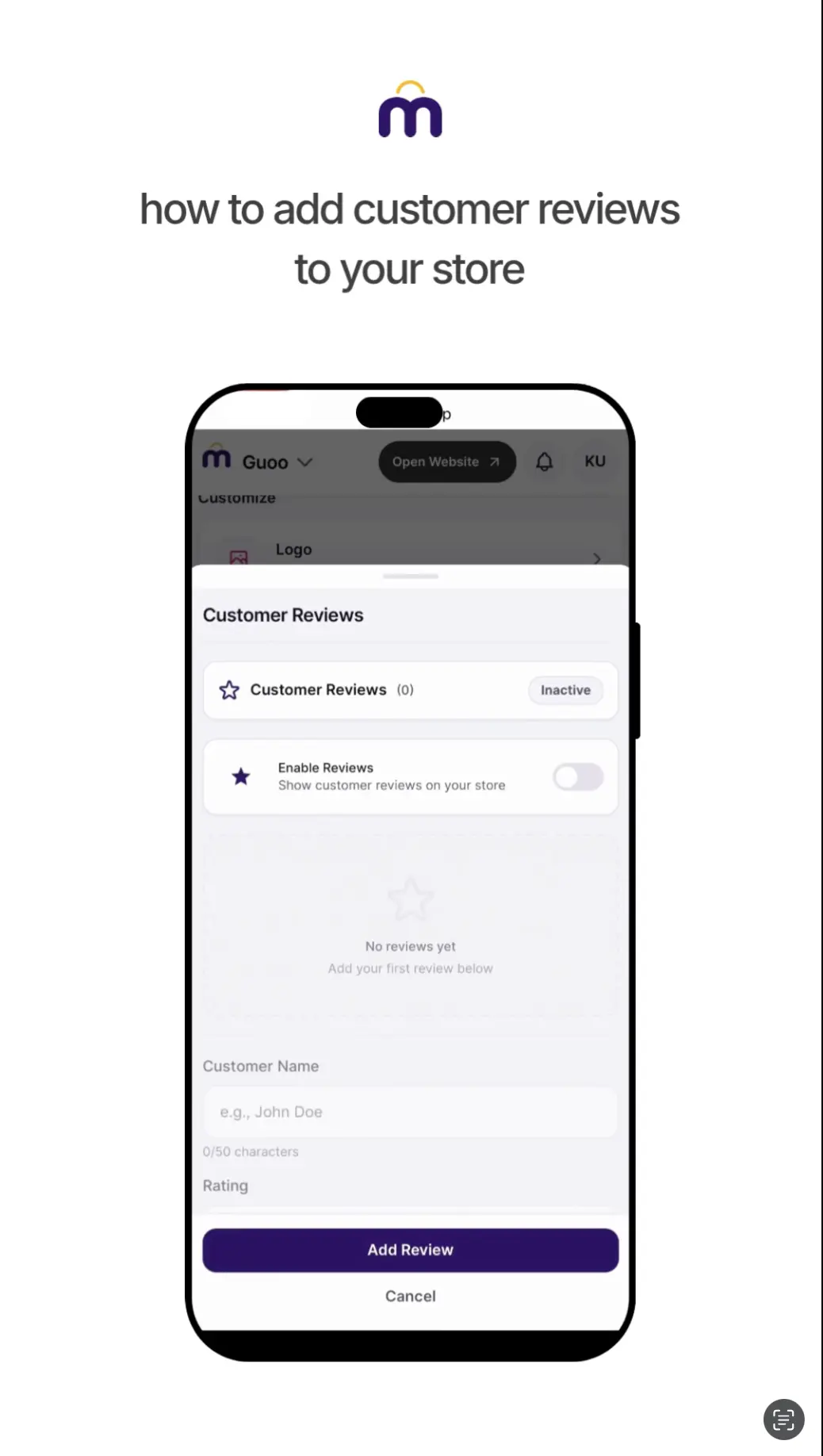
How to add customer reviews to your store
Show social proof on product pages so shoppers trust your listings.
2 min
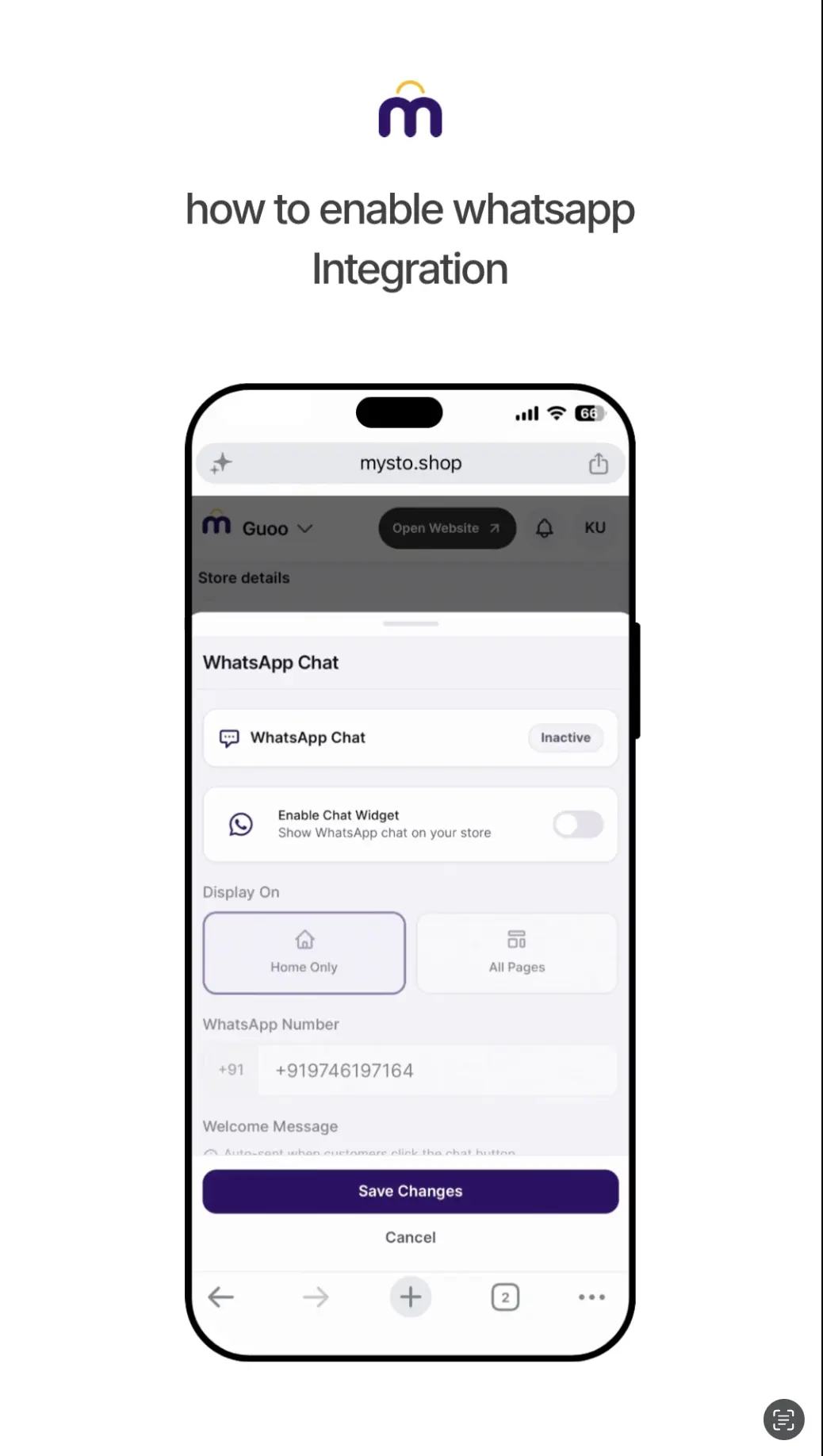
How to enable WhatsApp integration
Let customers reach you on WhatsApp for orders, questions, and support.
2 min
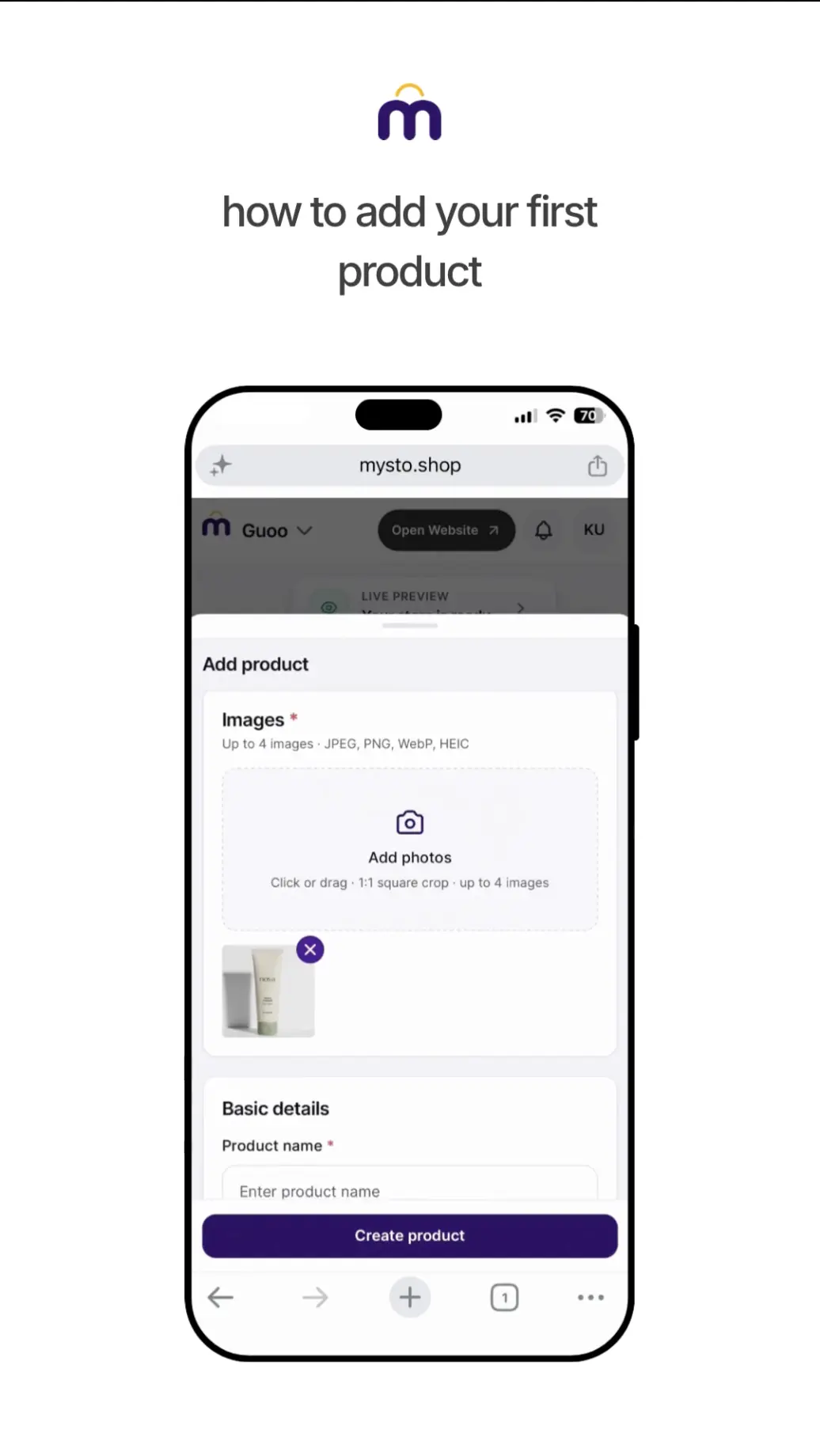
How to add your first product
Upload photos, set price, and publish your first listing.
2 min
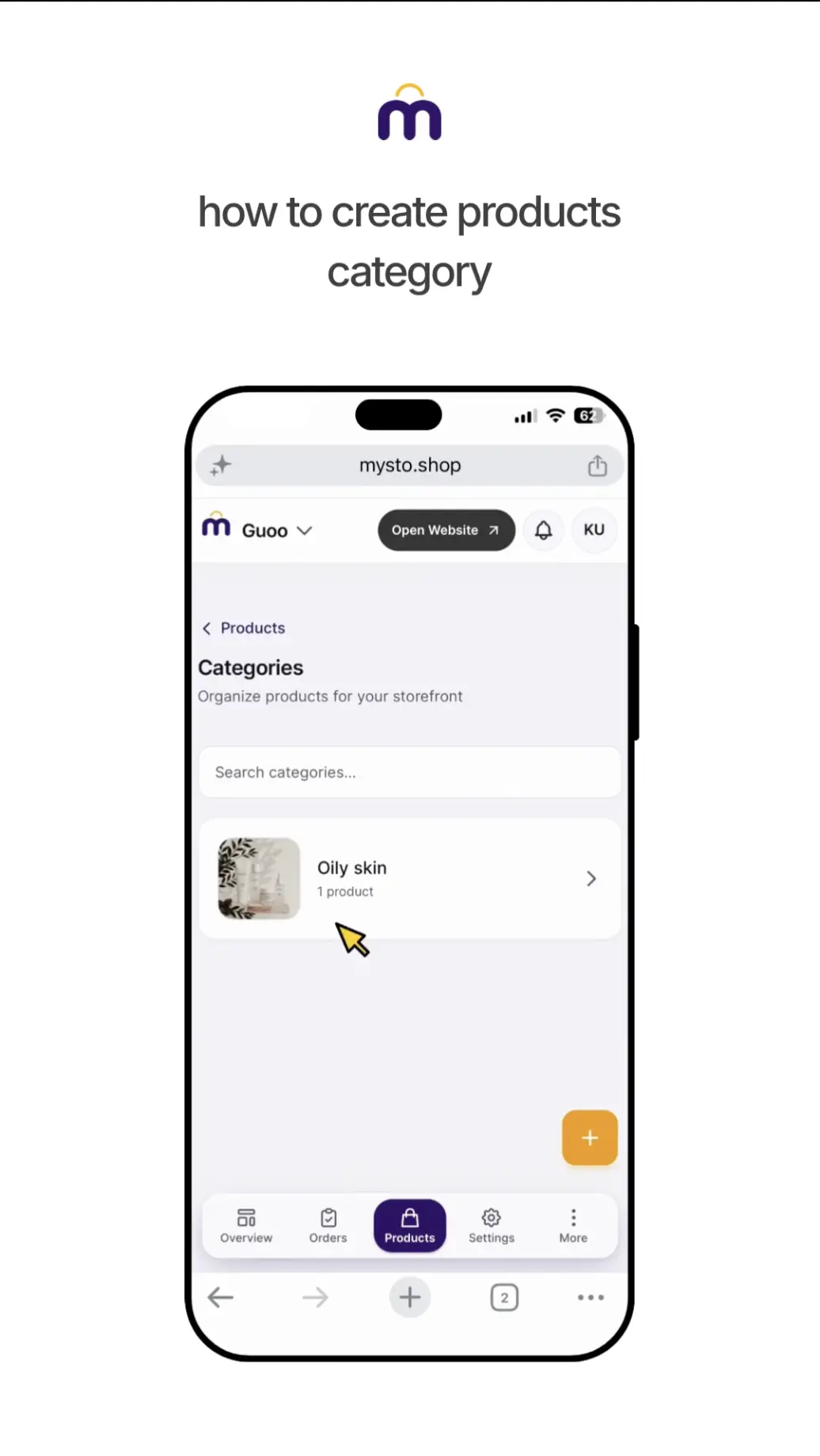
How to create a product category
Organize products so customers can browse your catalogue easily.
2 min
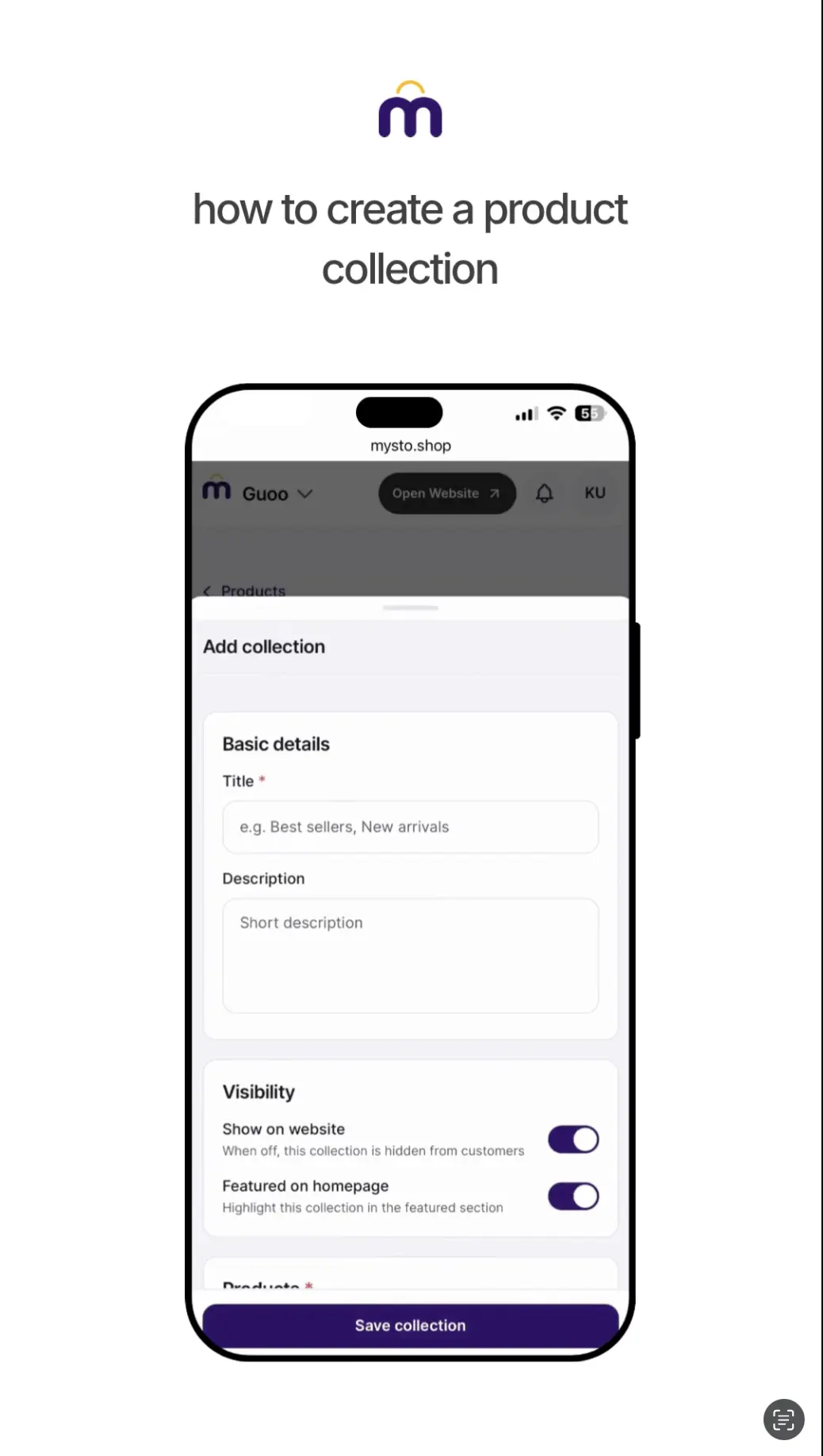
How to create a product collection
Group products into curated collections for your homepage and campaigns.
2 min